How to add Project ARI to Toniebox and Yoto
Project ARI
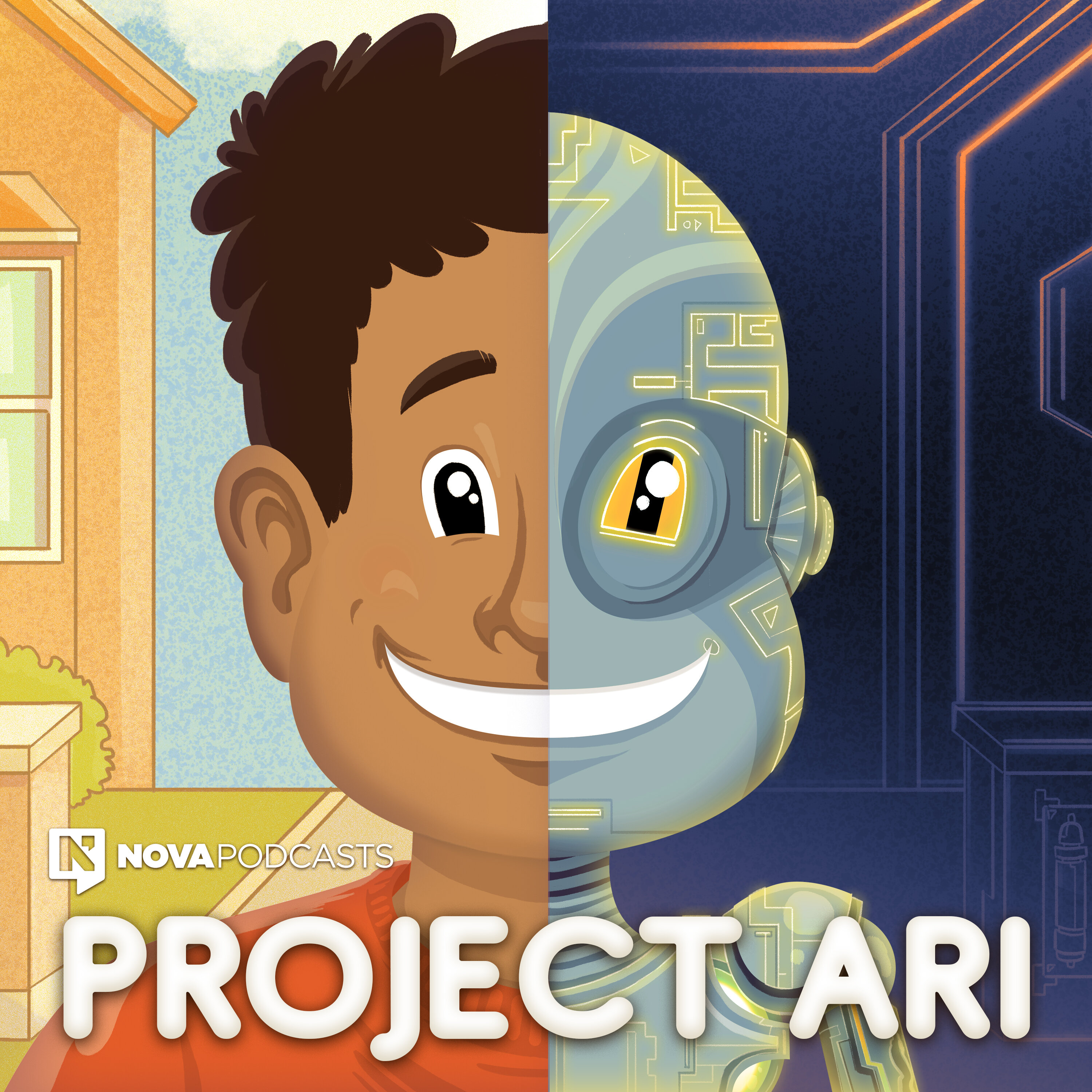
Follow the story of 10-year-old Ari, who’s the world’s first artificial intelligence prototype, as he tries to wrap his ‘data brain’ around the human experience. This series is funny and silly, with plenty of heart, and has been designed as a tool to help start meaningful conversations with kids about respectful behaviour. If you’d like to continue the conversation about the importance of respect at home, The Conversation guide has tips to get you started: respect.gov.au/talking-about-respect/
~16 min per episode
RSS feed
Manual
- Open the RSS feed in your browser.
- Download the episode as MP3 and save it in Files.
- Open the official app, mytonies for Toniebox, Yoto Studio for Yoto Player.
- Choose a playlist or card.
- Upload the MP3.
Automatic
Add fresh content with a tapFind this and hundreds of other shows on LittleCast. Send new episodes straight to your Toniebox or Yoto Player with a tap. No manual file handling.