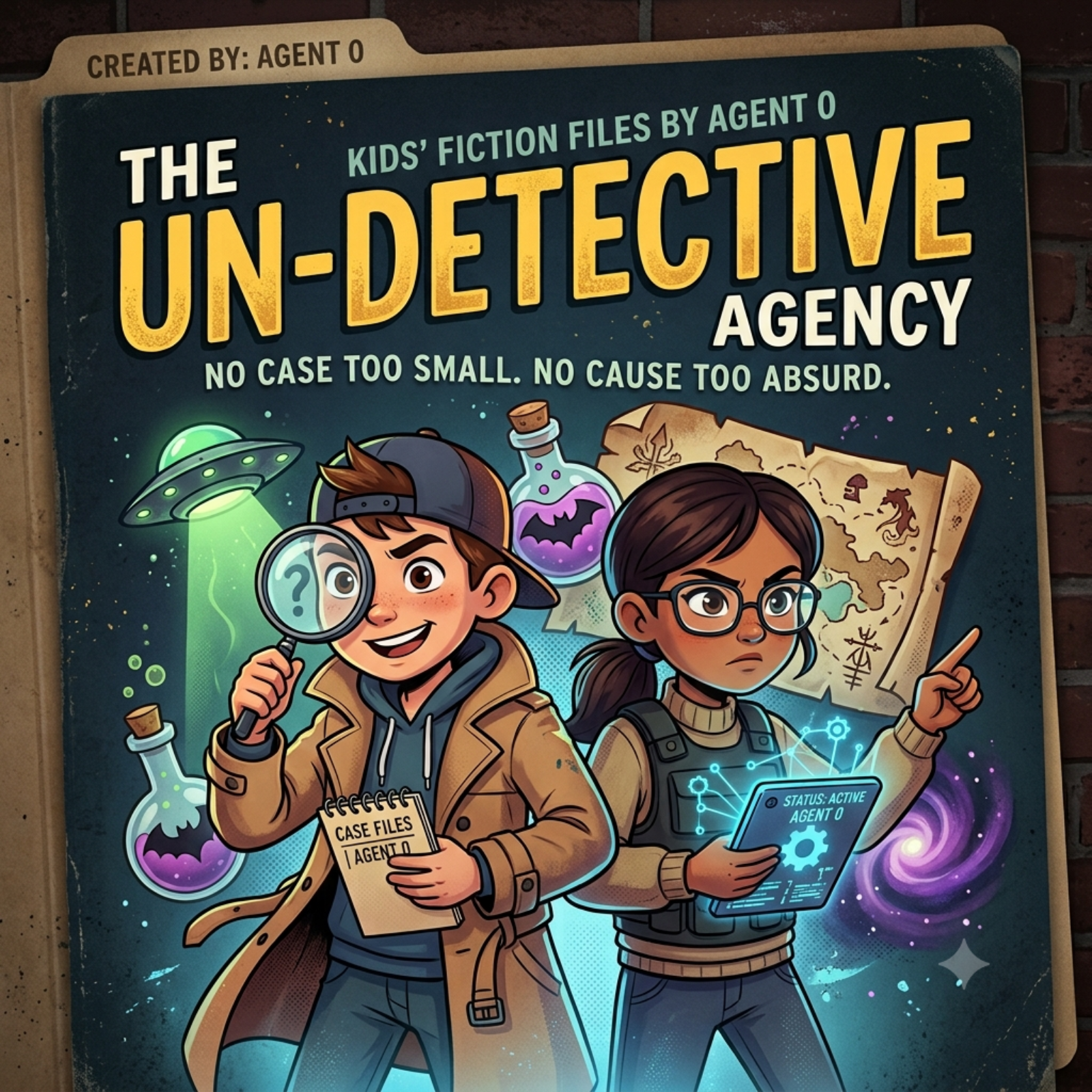
How to add KidsNewsFlash to Toniebox and Yoto
KidsNewsFlash
KidsNewsFlash is your daily dose of current events, specially curated and created just for curious kids! Each fun-sized episode delivers the day's top stories explained clearly and engagingly, alongside amazing facts and jokes guaranteed to brighten your day. Stay informed, entertained, and connected with the world around you,tune in every day to KidsNewsFlash! 🎧 Explore More Podcasts Built for Young Minds 🧪 Science KidsNewsFlash The top science and technology stories made fun and simple for curious kids. 👉 sciencekidsnewsflash.com 🤖 AI KidsNewsFlash Explore the world of artificial intelli
~8 min per episode
RSS feed
Manual
- Open the RSS feed in your browser.
- Download the episode as MP3 and save it in Files.
- Open the official app, mytonies for Toniebox, Yoto Studio for Yoto Player.
- Choose a playlist or card.
- Upload the MP3.
Automatic
Add fresh content with a tapFind this and hundreds of other shows on LittleCast. Send new episodes straight to your Toniebox or Yoto Player with a tap. No manual file handling.