How to add Kids Learning Lab - Science, History, and Technology for Kids and Family to Toniebox and Yoto
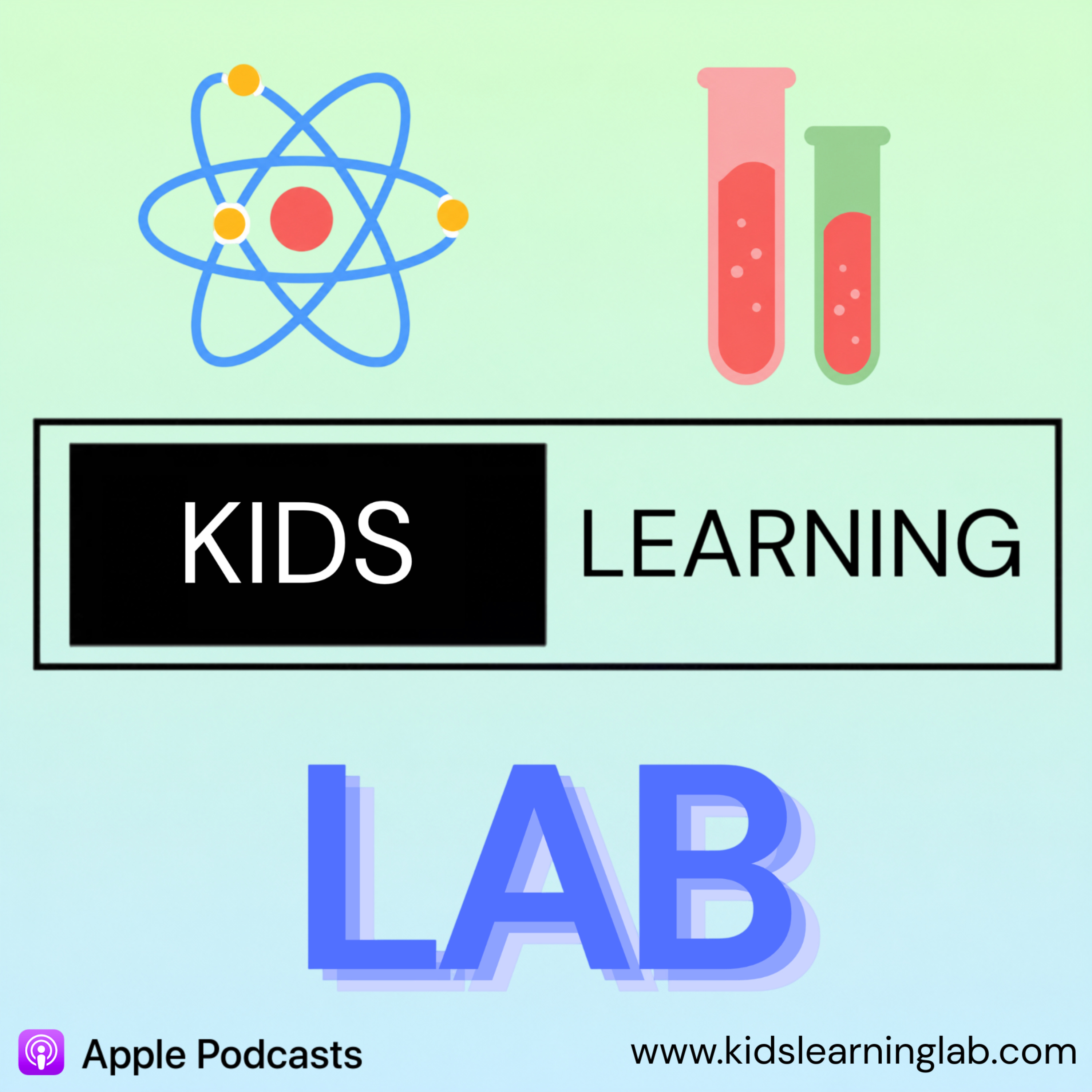
Kids Learning Lab - Science, History, and Technology for Kids and Family
Welcome to Kids Learning Lab, a fun educational podcast for kids who are curious about how the world works. Each short episode explores topics like how airplanes fly, how our DNA works, space, science, and technology, with simple explanations and interactive quizzes to keep learning engaging. Created entirely by a kid, this podcast is written, recorded, and produced by Eshaan Buddhisagar, making it a unique “by a kid, for kids” learning experience. New episodes make learning quick, fun, and easy to understand. Website: https://www.kidslearninglab.com Email: [email protected]
~2 min per episode
RSS feed
Manual
- Open the RSS feed in your browser.
- Download the episode as MP3 and save it in Files.
- Open the official app, mytonies for Toniebox, Yoto Studio for Yoto Player.
- Choose a playlist or card.
- Upload the MP3.
Automatic
Add fresh content with a tapFind this and hundreds of other shows on LittleCast. Send new episodes straight to your Toniebox or Yoto Player with a tap. No manual file handling.