How to add Generation Carbon to Toniebox and Yoto
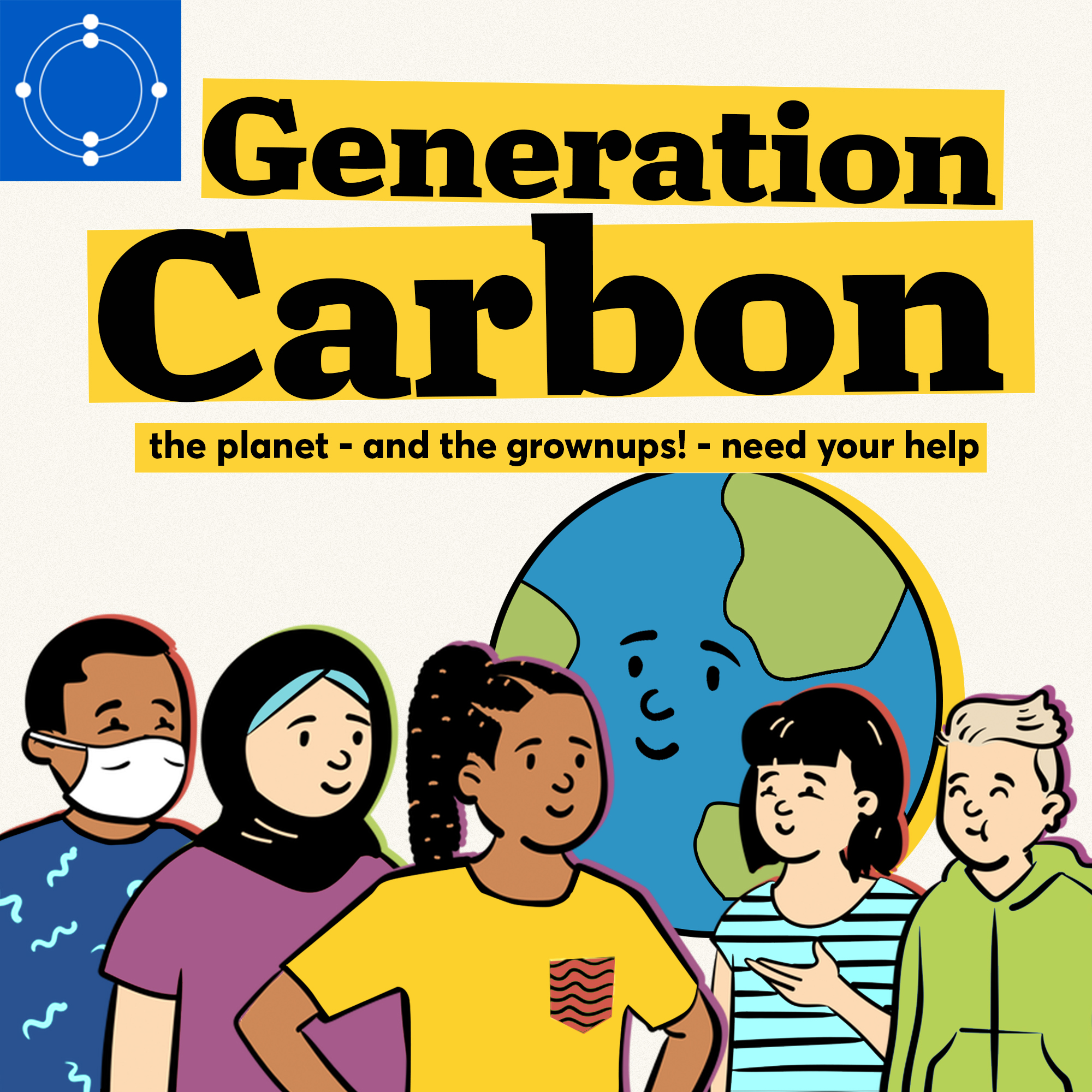
Generation Carbon
Hey Generation C Changemakers! Generation Carbon is the podcast where kids like you help grownups like us save the planet. Kids like you have tough questions about climate change and we believe that you deserve the answers. And this is why we made Generation Carbon, a podcast for curious kids. We'll hear from friends, animals, classrooms, scientists, experts, and change-makers like you. And if you're interested in submitting your own super scientific findings for an episode. We need Gen C science-minded story reporters on the climate case! Have your grown-ups visit thecarbonalmanac.org/kids
~13 min per episode
RSS feed
Manual
- Open the RSS feed in your browser.
- Download the episode as MP3 and save it in Files.
- Open the official app, mytonies for Toniebox, Yoto Studio for Yoto Player.
- Choose a playlist or card.
- Upload the MP3.
Automatic
Add fresh content with a tapFind this and hundreds of other shows on LittleCast. Send new episodes straight to your Toniebox or Yoto Player with a tap. No manual file handling.